
Retro Game Sticks & TV Game Consoles
Plug-and-play retro gaming for your HDMI TV.
Compare game sticks and TV consoles with two wireless controllers.
4 consoles

No consoles match this budget.
About Retro Game Sticks & TV Game Consoles
Bring plug-and-play retro gaming to your TV with retro game sticks and compact TV game consoles. A game stick plugs straight into your TV's HDMI port and comes with wireless controllers, so there is nothing to install. New to game sticks? Read what a game stick is and how it works. Not sure which to buy? See our best retro game sticks for TV. Compare the M8 Game Stick Lite, M15 Game Stick Pro, X2 Plus and M23 for a shared living-room setup. Each model listed here includes two wireless controllers; check the individual product page for its storage configuration, connections and package contents.
Which HDMI game stick or TV console fits your setup?
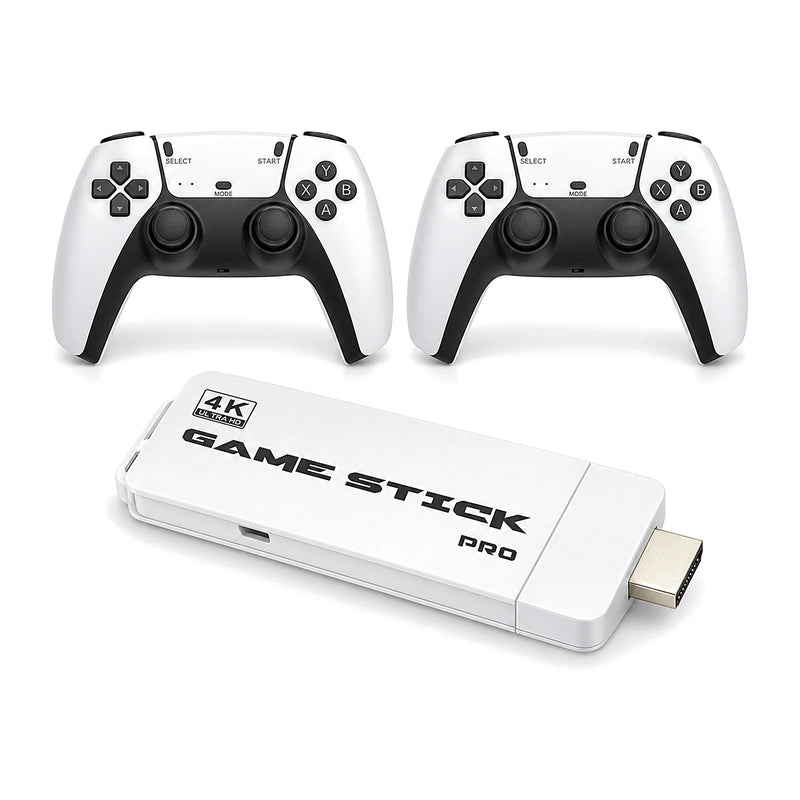
- M8 Game Stick Lite: a compact HDMI stick with a 64GB card and two 2.4G wireless controllers. A straightforward option for a small TV gaming setup.
- M15 Game Stick Pro: an HDMI stick with 64GB storage, two wireless controllers and a RetroArch-based system. Compare its listed features with the M8 before choosing.
- X2 Plus Game Stick: available in 32GB and 64GB configurations, with a listed emulator range that includes more demanding 3D-era systems. Performance varies by game, emulator and settings.
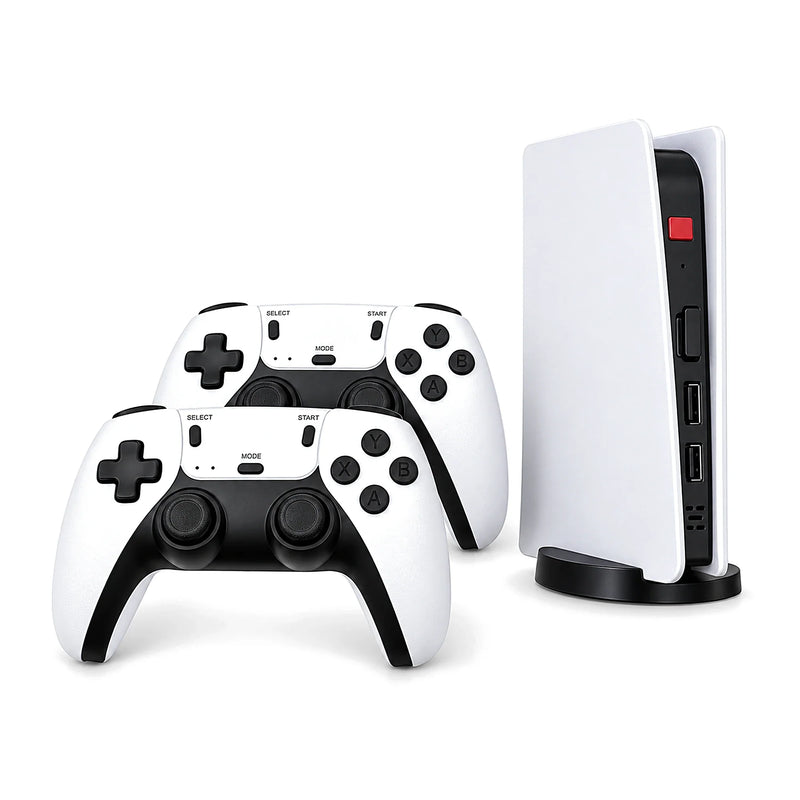
- M23 TV Game Console: a slim upright console with a stand, two wireless controllers and a TF card slot, for buyers who prefer a tabletop design to a stick.
Retro game sticks at a glance
| Model | Type | Storage | Controllers |
|---|---|---|---|
| M8 Game Stick Lite | HDMI game stick | 64GB card | 2 × 2.4G wireless |
| M15 Game Stick Pro | HDMI game stick, RetroArch-based Linux system | 64GB | 2 × 2.4G wireless |
| X2 Plus Game Stick | HDMI game stick, S905 chip, 4K output label | 32GB or 64GB | 2 wireless |
| M23 TV Game Console | Tabletop console with stand and HDMI cable | TF card slot | 2 × 2.4G wireless |
What do you need for plug-and-play TV games?
Check for an available HDMI input on your TV, monitor or projector, plus the power supply specified for your chosen model. HDMI carries the picture; the supplied USB power connection also needs to be connected. Check controller battery requirements and whether a power adapter is included before ordering. Wireless controllers communicate with the console's receiver, not directly with the TV.
How do you connect an HDMI game stick?
Connect the stick to an HDMI input, attach its power cable and wireless receiver as described in the manual, then select the matching HDMI input on the TV. Leave room around the connection or use the included extension cable where supplied. For the M8, follow our M8 Game Stick setup and controller troubleshooting guide.
TV game stick or a handheld console?
A TV console uses an external screen and separate controllers; a handheld has its own screen and controls. If you want portable play, explore our retro handheld game consoles. For a side-by-side explanation, read handheld vs. HDMI game stick or use the console comparison.
Games and performance: what to check
Game availability and supported features depend on the model, card and software configuration. Product screen artwork is illustrative, and specific game titles are not guaranteed. A 4K output label describes a video-output claim, not a promise that retro games render internally at native 4K. Check the product details and contact us about compatibility if a particular feature matters to you.